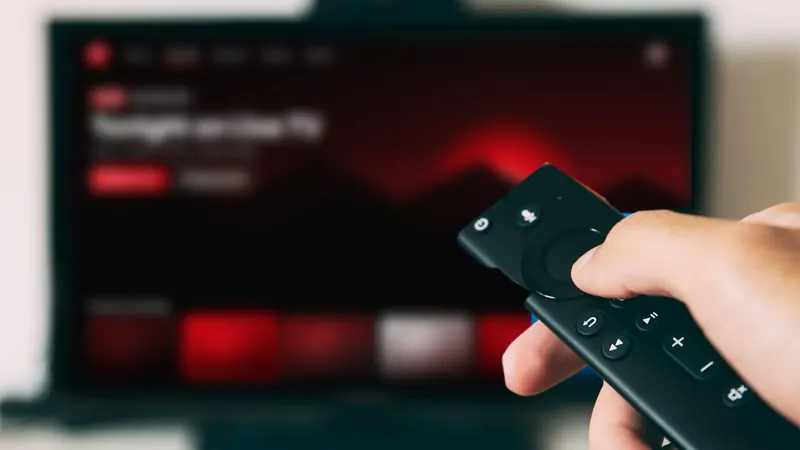
Amazon's Fire TV Stick is one of the most popular ways to watch IPTV in the USA: it's affordable, plugs into any HDMI port and runs plenty of player apps. But not every service or setup works equally well on every Fire TV model. This guide shows how to compare IPTV service providers for Firestick, so you get a smooth picture from day one. Once you've chosen, our step-by-step Firestick setup guide takes you through installation.
1. Know which Fire TV model you have
Go to Settings → My Fire TV → About to see your model. It matters for picture quality and performance:
| Model family | Maximum resolution | Good to know |
|---|---|---|
| Fire TV Stick Lite / Fire TV Stick (HD) | 1080p | Fine for HD; can feel slower with very large channel lists |
| Fire TV Stick 4K / 4K Max | 4K | Needed for 4K where available; the Max models are faster with newer Wi-Fi |
| Fire TV Cube | 4K | The most powerful option, with a built-in Ethernet port |
If you want 4K, you'll need a 4K model and a 4K TV. Our 4K streaming checklist covers the rest.
2. Check app support
IPTV services are watched in a player app. On Fire TV, some players are available in the Amazon Appstore, while others need to be installed from the developer's official website. Ask the provider:
- Which player apps do you recommend for Fire TV?
- Is your login an Xtream Codes login or an M3U playlist?
- Do you provide a setup guide for Fire TV?
Popular choices include TiviMate (how to set it up) and IPTV Smarters (our sign-in walkthrough). A provider should never require a "modified" app.
3. Plan for your connection
Most Fire TV Sticks rely on Wi-Fi, which is the most common cause of buffering. Before subscribing:
- Test your speed in a browser on the stick itself, in the evening.
- Aim for about 10 Mbps per HD screen and 25 Mbps or more per 4K screen.
- Consider an Ethernet adapter made for Fire TV. It plugs into the power port and often solves buffering completely.
Our buffering fixes for Fire TV and other devices go through this step by step.
4. Mind storage and memory
Fire TV Sticks have limited storage. Large channel lists, guides and app caches can slow them down. Keep only the apps you use, clear the player's cache occasionally (Settings → Applications → Manage Installed Applications), and restart the stick now and then.
5. Questions to ask the provider
- Do you support Fire TV, and my specific model?A good provider confirms your device before you pay.
- What content are you authorized to offer?We explain why licensing matters for your subscription separately.
- What picture quality should I expect?Look for honest "where available" wording rather than blanket promises.
- How many devices can watch at the same time?Important if you'll use more than one stick or TV.
- How do I get help?Find out how to reach a real person if something isn't working.
6. Red flags for Firestick IPTV
- "Jailbroken" or "fully loaded" Fire Sticks sold with channels pre-installed
- Instructions to install apps from unknown links or file-sharing sites
- Very low prices for premium sports and movie channels
- No business details, policies or way to contact support
These usually point to unlicensed content and can put your device and accounts at risk.
7. After you choose: setup in about 10 minutes
Setup typically means installing a player app, entering your login and loading the program guide. Our walkthrough on how to set up IPTV on Firestick covers each step, and if the program guide is empty afterwards, see loading the EPG correctly.
HDIPTVProvider on Fire TV
HDIPTVProvider works on Fire TV devices and streaming sticks. Every plan includes a setup guide for your device, and our team is on WhatsApp if you'd like help. Send us your Fire TV model before you subscribe and we'll confirm it. You can compare plans here.
FAQ
Which Fire TV Stick is best for IPTV?
For HD, any current model works. For 4K where available and faster menus, a Fire TV Stick 4K Max or Fire TV Cube is a better choice.
Can I use IPTV on Firestick without Wi-Fi?
Yes, with an Ethernet adapter made for Fire TV, which is often more reliable than Wi-Fi.
Do I need to jailbreak my Fire Stick?
No. "Jailbreaking" isn't needed to watch a legitimate service. Install a reputable player and sign in with your provider's details.
Questions before you subscribe?
Send our team your device model on WhatsApp and we'll answer before you pay. You can also compare our IPTV subscription plans or browse more guides.