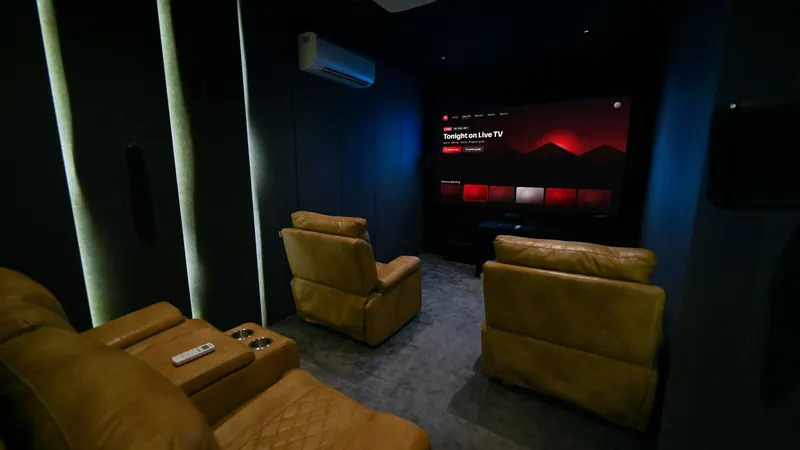
If you've wondered what IPTV means, here's the one-sentence answer: IPTV, or Internet Protocol Television, is TV delivered over an internet connection instead of a cable line, satellite dish or antenna. The rest of this guide explains how it works in plain English, the different ways you can watch, and what you need at home to get started.
What IPTV means
"Internet Protocol" is the set of rules computers use to send data across networks, including the internet. IPTV uses those same rules to send television: the video is split into small data packets, sent to your device and reassembled into a smooth picture.
You've probably used IPTV already without calling it that. Live TV streaming services such as YouTube TV and Sling TV are IPTV services, and so are the TV packages some phone and broadband companies deliver through their own networks.
How IPTV works, step by step
- The provider receives the contentChannels and on-demand titles are taken in by the provider and prepared for streaming.
- The video is encodedIt's compressed into efficient formats (such as H.264 or HEVC/H.265) so it can travel over a normal internet connection.
- It's delivered over the internetServers send the stream to your device when you choose a channel or title.
- Your player app decodes itAn app on your TV, stick, phone or computer turns the data back into video and shows it with a program guide.
Three ways to watch with IPTV
Live TV
Channels play in real time, just like cable. You browse them in an electronic program guide (EPG) that shows what's on now and next. Here's how the program guide works.
Video on demand (VOD)
Movies and series you can start whenever you like, organized by genre or category.
Time-shifted TV
Some services let you restart or catch up on programs that have already aired. Availability varies a lot between services and channels, so ask a provider directly if this matters to you.
How IPTV differs from cable, satellite and antenna TV
Cable and satellite bring TV to a provider's set-top box over a coaxial line or a dish. Antenna TV picks up free over-the-air broadcasts through a tuner. IPTV arrives over your internet connection and plays in an app on a smart TV, stick, box, phone or computer, so it depends on your internet speed and stability rather than on signal strength, weather or reception.
For costs, contracts and picture quality side by side, read our IPTV vs cable TV comparison.
What an IPTV provider does
Internet protocol television providers are the companies that supply the channels and on-demand content and manage your subscription. A legitimate provider has the rights to distribute what it offers. That's what separates it from unofficial services, and we explain how to tell a licensed provider from a risky one separately.
The provider is usually separate from the player app you watch in. Many providers give you login details that work in third-party players such as IPTV Smarters or TiviMate. Our IPTV Smarters guide shows how that works.
What you need to watch IPTV at home
- An internet connection: steady rather than just fast, with enough speed for HD or 4K (see what 4K streaming needs).
- A compatible device: a smart TV, streaming stick or box, phone, tablet or computer. Compare IPTV box options in the USA.
- A player app: installed from your device's official app store.
- A subscription: your login details from the provider.
Ready to start? Our beginner's guide to getting IPTV in the USA walks through every step.
Pros and cons of IPTV
Advantages
- No installer visit, dish or new wiring
- Watch on the devices you already own
- On-demand libraries alongside live channels
Limitations
- Quality depends on your internet connection
- Busy evening hours can cause buffering on weaker connections. Here's why streams pause at peak times.
- Service quality varies a lot between providers
FAQ
What does IPTV stand for?
Internet Protocol Television: television delivered using internet protocols rather than broadcast, cable or satellite signals.
Is Netflix IPTV?
Netflix is usually called a streaming or on-demand (OTT) service rather than IPTV, because it doesn't offer live TV channels. The underlying idea, video over the internet, is the same.
Do I need a special TV for IPTV?
No. Any TV with an HDMI port can work with a streaming stick or box, and many smart TVs can run player apps directly.
Questions before you subscribe?
Send our team your device model on WhatsApp and we'll answer before you pay. You can also compare our IPTV subscription plans or browse more guides.