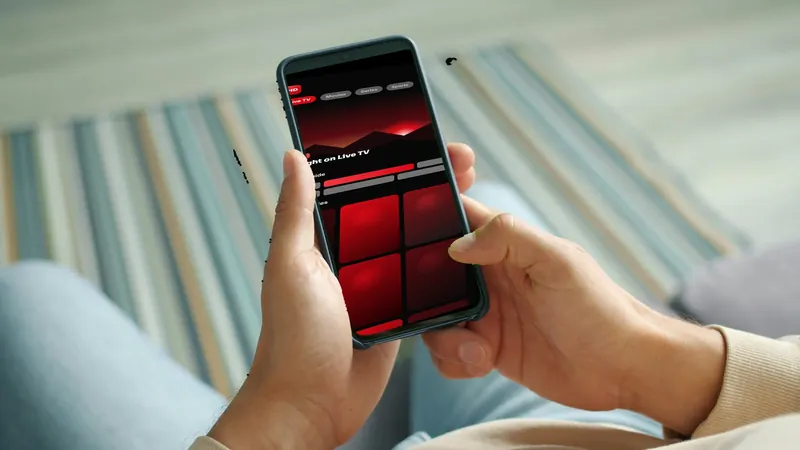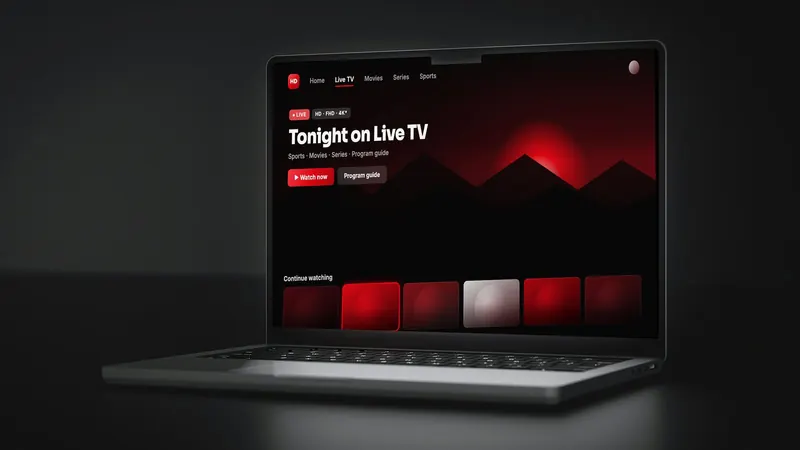
Your IPTV subscription doesn't have to stay on the living-room TV. With the right player app, you can watch on an iPhone in the kitchen, an iPad in bed, or a Mac or Windows PC at your desk. This guide explains how to watch IPTV on Apple devices and Windows computers: which kind of app to use, how to sign in, and how to keep playback smooth.
How it works on phones and computers
Just like on a TV, you need two things: your subscription login from your provider (an Xtream Codes login or an M3U playlist link) and a player app to watch it in. The player is a separate, third-party app; your provider supplies the content. If you're new to this, start with what IPTV is and how it works.
Install from official stores only
Use the App Store on iPhone, iPad and Mac, and the Microsoft Store or the developer's official website on Windows. Avoid apps offered through links in chats or "pre-loaded" downloads.
iPhone and iPad
Search the App Store for "IPTV player". You'll find several third-party players; IPTV Smarters and GSE Smart IPTV are two long-standing examples, and VLC can play M3U playlists for simple viewing. Before installing, check the listing for:
- Support for your login type (Xtream Codes and/or M3U)
- A program guide (EPG) if you watch live TV
- Recent updates and reviews
- Any in-app purchases or subscriptions, which are paid to the app developer
Signing in
- Open the player and add a playlist or userChoose the login type that matches your details.
- Copy and paste your detailsOn a phone it's easiest to copy the server URL, username and password from your welcome message and paste them in.
- Load channels and the guideWait for the first load, then refresh the EPG if listings are blank.
For step-by-step screens, see our IPTV Smarters sign-in walkthrough.
Tips for iPhone and iPad
- On Wi-Fi, stay on the 5 GHz network for steadier HD.
- On cellular data, streaming uses a lot of data. Check your mobile plan and lower the quality if the player allows it.
- Picture-in-picture, where the app supports it, lets you keep a game playing while you use other apps.
Mac
On a Mac you have a few routes:
- A Mac player from the App Store: search for "IPTV player" and check the same points as above.
- iPad apps on Apple silicon Macs: some iPhone and iPad players can be installed on Macs with Apple silicon (M-series chips), if the developer allows it.
- VLC: free and reliable for opening an M3U playlist, though it doesn't offer a full TV guide.
Windows PC
On Windows 10 and 11, search the Microsoft Store for an IPTV player, or use a player from its developer's official website. VLC also works for M3U playlists on Windows. A dedicated IPTV player gives you a better channel list and program guide for regular viewing.
There's no single best IPTV player for Windows. Pick one that supports the login type your provider sends (Xtream Codes or M3U), shows a program guide, is updated regularly and comes from an official source. Try the free version first if one is offered.
Smoother playback on computers
Use a wired Ethernet connection for laptops at a desk, close heavy apps and browser tabs while streaming, and keep your graphics drivers and player app updated.
How many devices can watch at once?
Your login may work on several devices, but plans differ in how many can stream at the same time. If someone is watching on the TV while you watch on an iPad, that may count as two connections. Ask your provider how many simultaneous screens your plan includes before signing in everywhere.
Fixing playback on phones and computers
Login fails
Paste the details again, watching for spaces and capital letters, and make sure the server URL includes http:// or https:// and any port number.
Video stutters
Laptops and tablets on Wi-Fi often get far less than your plan's headline speed, especially a room or two away from the router. Move closer or plug in at your desk, then try our step-by-step buffering checklist.
No program guide
Refresh the EPG in the app, or add the separate EPG link if you use an M3U login. Here's more on refreshing an empty TV guide.
Using HDIPTVProvider on phones and computers
HDIPTVProvider works on iPhone and Android phones, iPad and Android tablets, and Windows, macOS and Linux computers, as well as TVs and streaming devices. See the full list of supported devices. Not sure which player to use on your device? Ask us on WhatsApp.
FAQ
Can I watch IPTV on my iPhone?
Yes, with a player app from the App Store and your provider's login details.
What's the best IPTV player for PC?
It depends on what you need. A dedicated IPTV player gives you a channel list and guide, while VLC is fine for quickly playing an M3U playlist.
Does watching on my phone use my TV's connection?
It may count as a separate simultaneous connection on your plan. Check with your provider.
Questions before you subscribe?
Send our team your device model on WhatsApp and we'll answer before you pay. You can also compare our IPTV subscription plans or browse more guides.